👯 Party System
Overview
The Party System in Zone4 is designed to allow players to team up and fight together in PvE modes and various in-game activities, such as:
- Hunting Ground
- Arcade Mode
- Mission Dungeon
- Event Content
The Party System enables cooperative combat, allowing players to improve battle efficiency, level up faster, and clear more challenging stages.
To create a party, players must interact with a specific NPC located in the main town (Zone6), which serves as a lobby for forming teams before entering combat.
NPC List
1️⃣ Angela Mamson ⭐
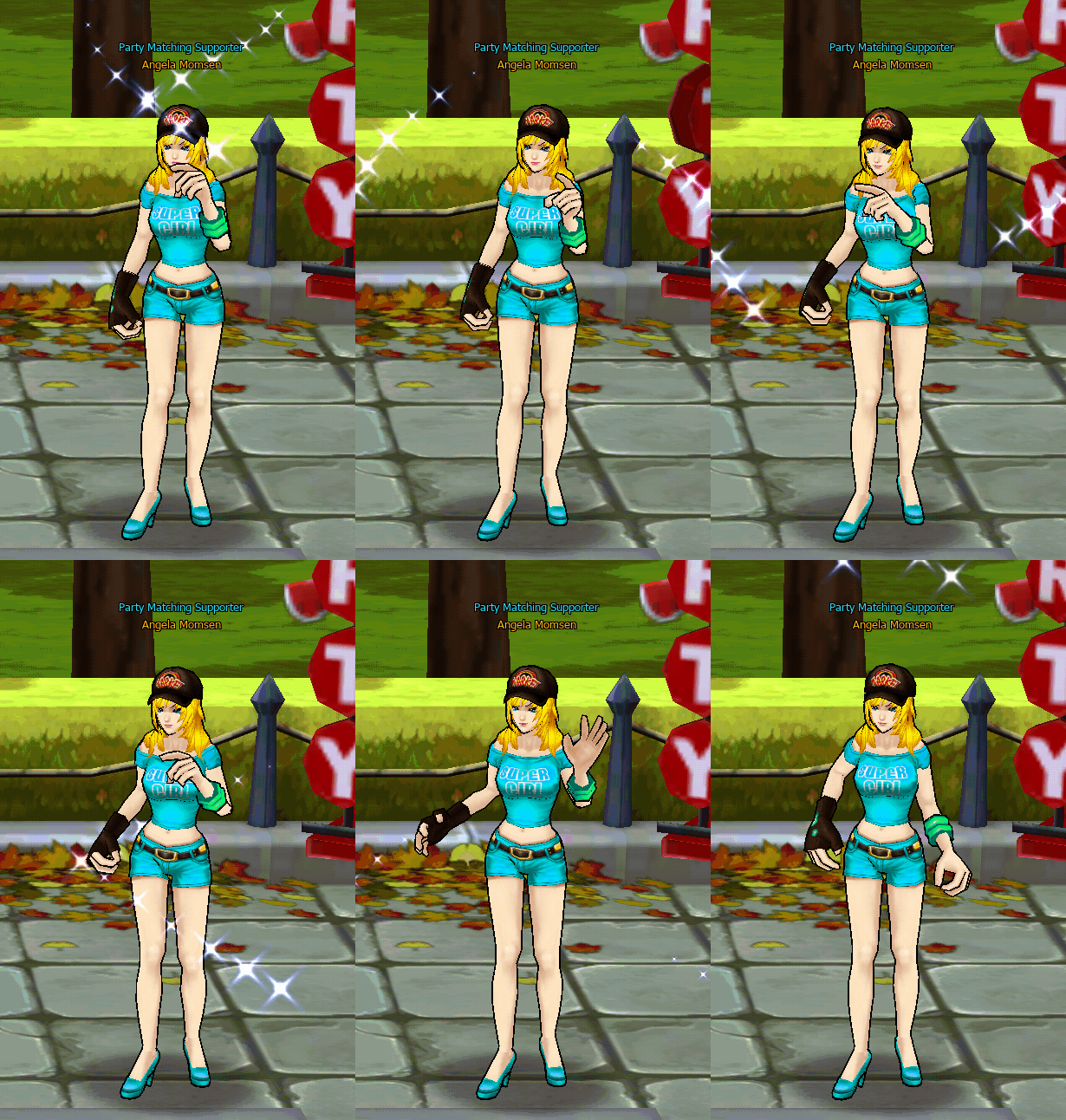
2️⃣ Emma Mamson
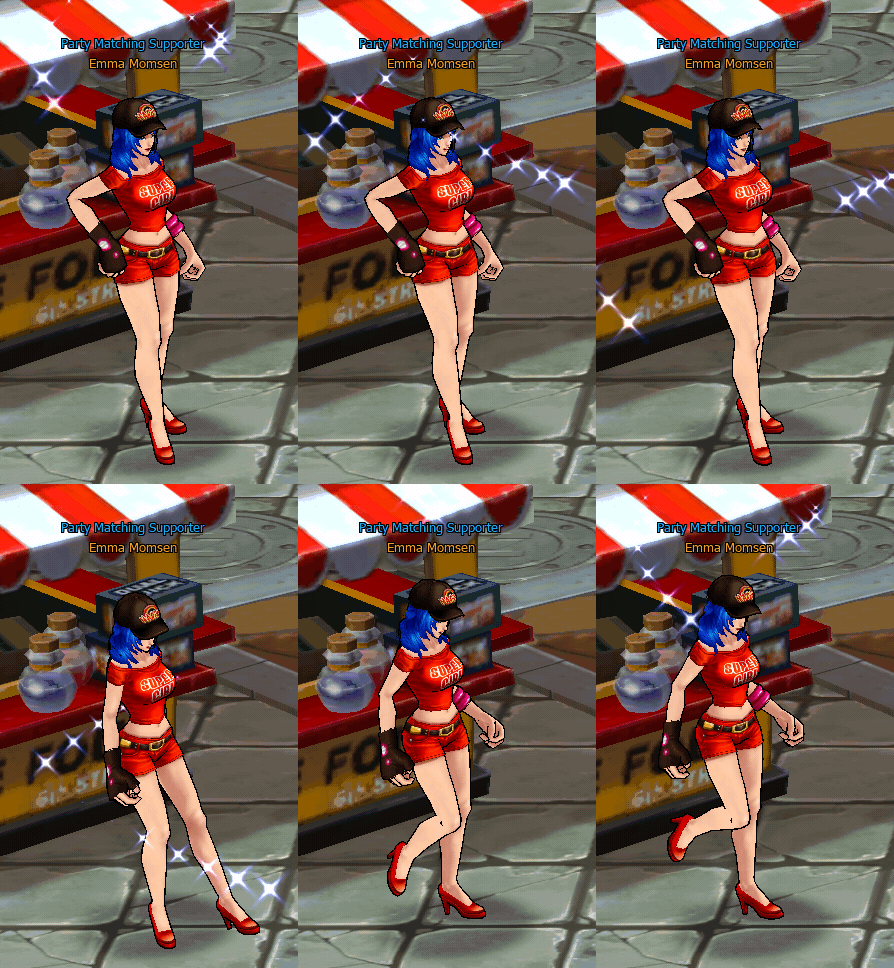
3️⃣ Mery Mamson
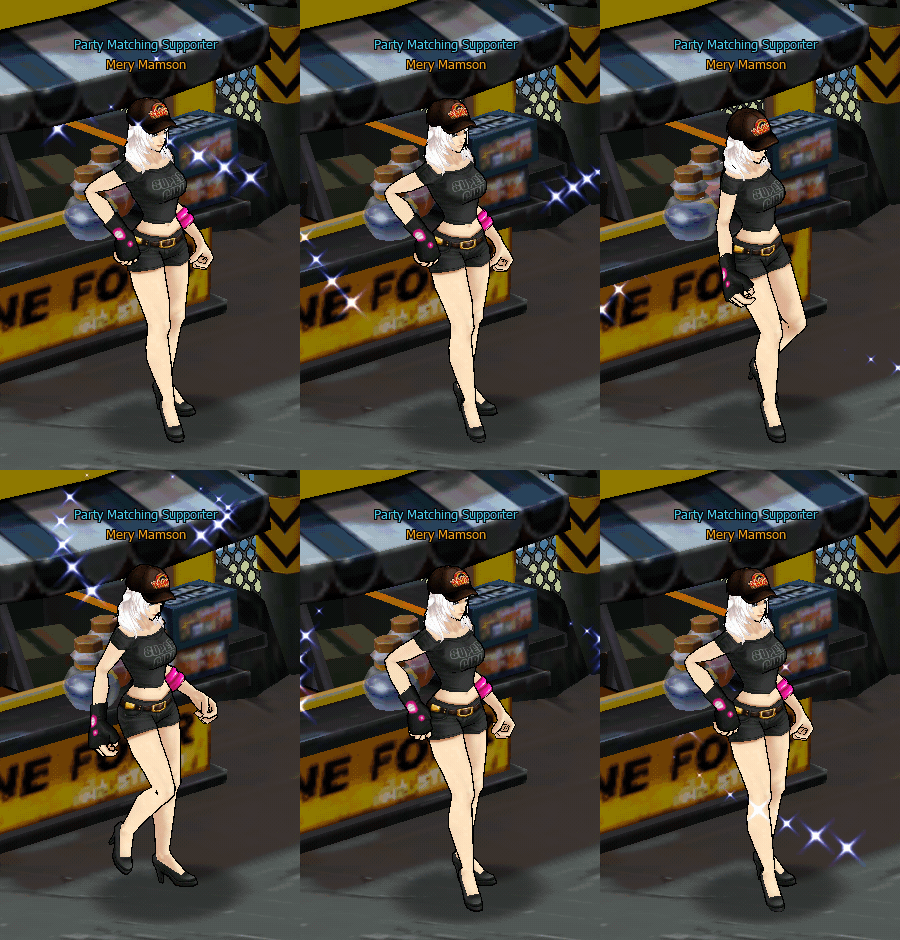
All three NPCs have the same functions:
- Create a Party
- Join a Party
- Search for available Parties
Players can interact with any of these NPCs to manage their Party.
How to create Party from NPC
{% stepper %}Step 1 – Go to Village (Zone 6)
{% endstep %}
{% step %} Step 2 – Talk to NPC Party
Choose any NPC, such as:
- Angela Mamson
- Emma Mamson
- Mery Mamson
.png)
The NPC will open the Party System window.
{% step %} Step 3 – Select Form Party
.png)
The NPC will open the Party System window.
Players will be able to:
- Set a Party name
- Choose the Party type, such as:
- Public Party (will be listed in Party Matching)
- Private Party (will not be listed in Party Matching)
{% step %} Step 4 – Setting Party
.png)
The NPC will open the Party System window.
The Party creator can set:
- Party Name
- Party Type
Once confirmed, the player will become the Party Leader.
{% step %} Step 5 – Confirm and Create Party
Once confirmed, the player will become the Party Leader.
.png)
.png)
{% endstep %}
How to create Party from User
{% stepper %} {% step %} Step 1 – Right-Click On your Character
.png)
Select Form Party
{% step %} Step 2 – Setting Party
.png)
{% endstep %}
{% step %} Step 3 – Confirm and Create Party
After confirming, the player will become the Party Leader.
.png)
.png)
{% endstep %}
Joining a Party
Players can join a Party in two ways:
1. Join Party via NPC\ Interact with a Party NPC and select → Join Party
.png)
.png)
.png)
The system will display:
- A list of available Parties
- Number of members
- Party Leader
Players can select the Party they want to join.
2. Invitation from the Leader
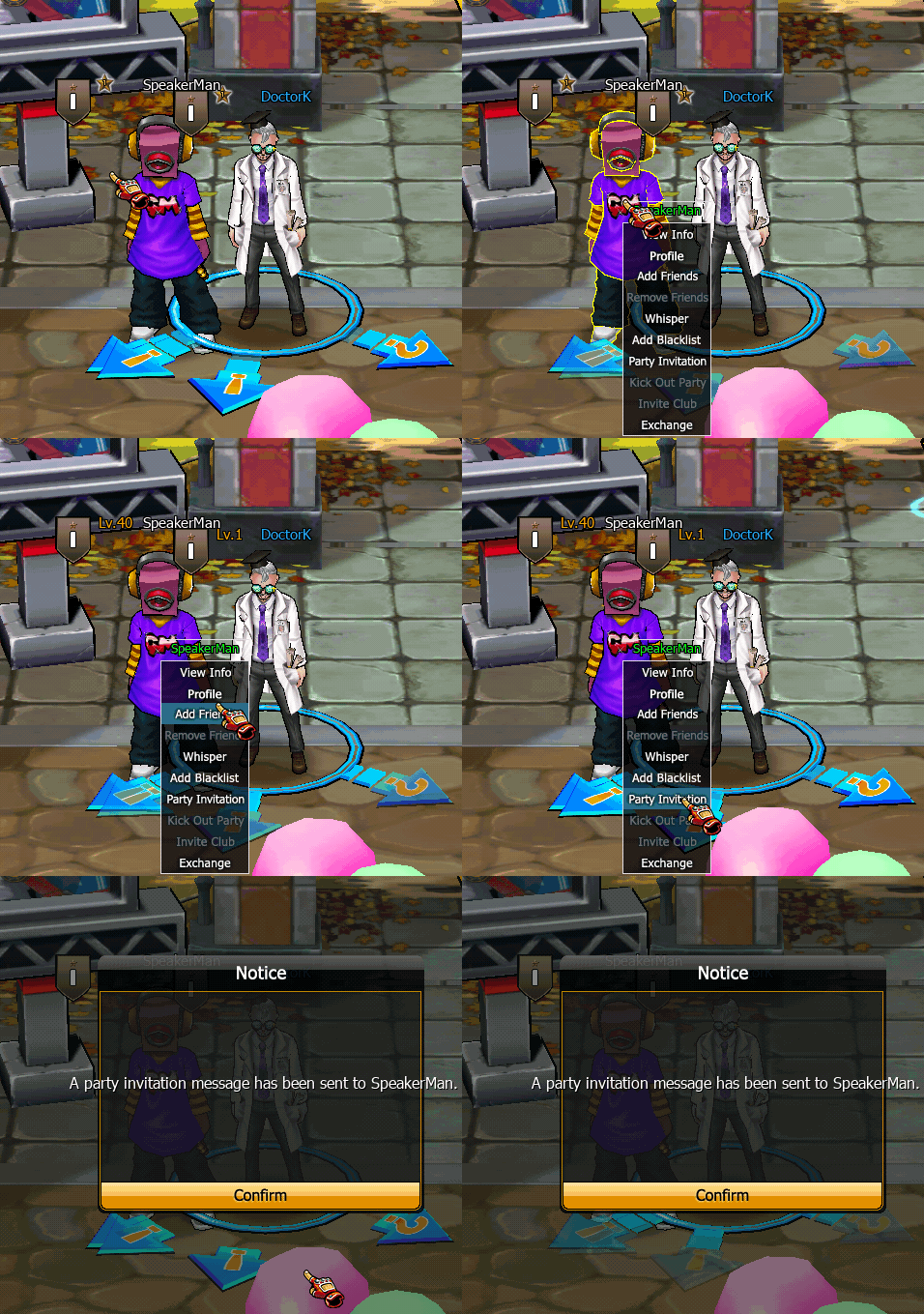
The Party Leader can send a Party invitation.
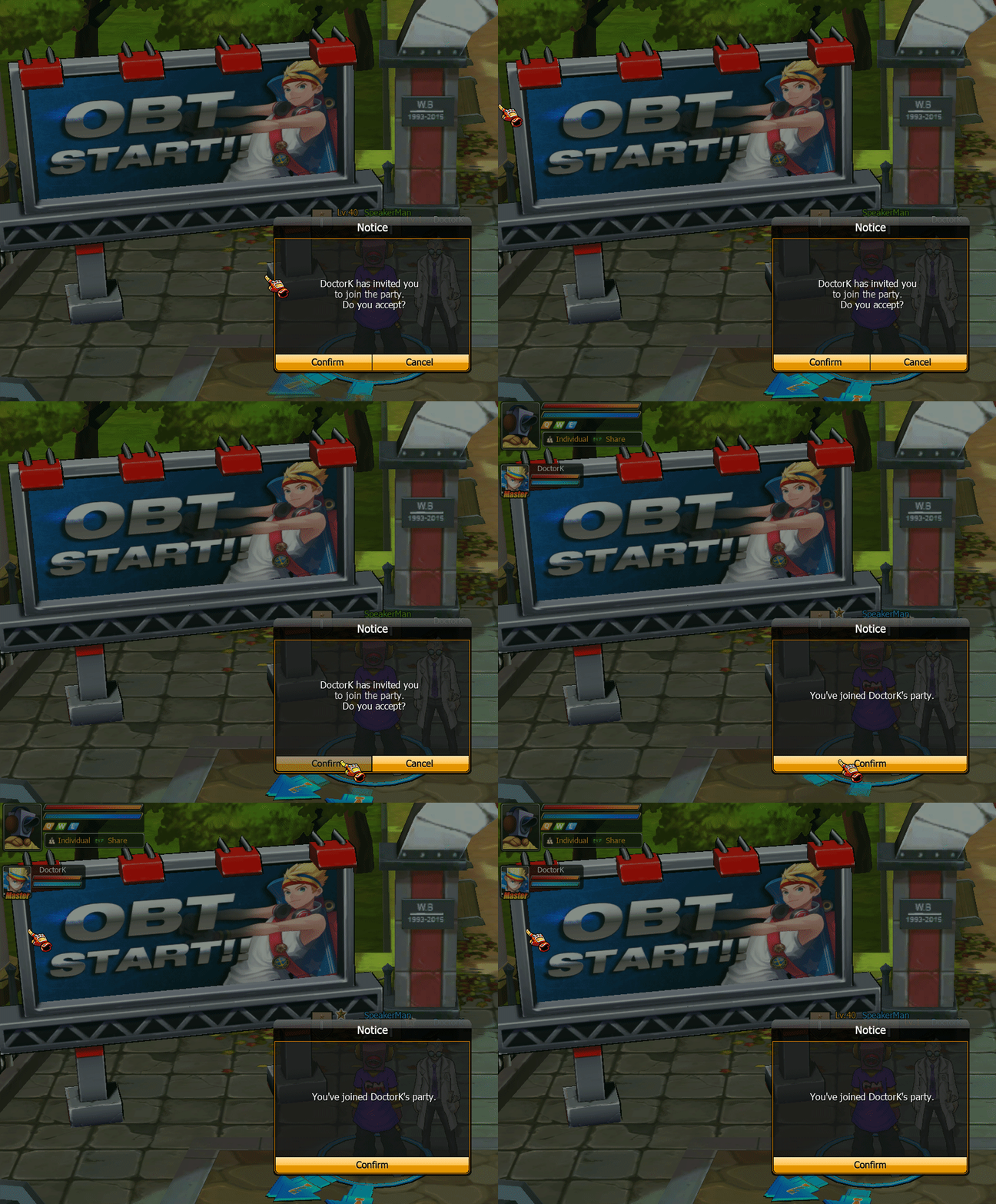
Once you press Confirm, you will immediately join the team.
Leader Control
The Leader has the authority to :
- Kick member
- Disband party
- Start mission
Item Distribution System
.png)
The Party Item Distribution System determines how loot dropped from monsters or missions is allocated among party members.\ Party leaders can configure the distribution method before starting cooperative activities.
The system supports three distribution modes:
Individual Distribution\ Each player receives their own item drops independently, preventing competition over loot and ensuring fair distribution.
In Order Distribution\ Items are distributed sequentially among party members in a rotating order, guaranteeing equal opportunity for all players.
Random Distribution\ Loot is randomly assigned to a party member each time an item drops, adding an element of chance to item allocation.