🟦 Cloning System
Overview
The Cloning System in Zone4 is designed to separate an item’s Appearance from its Stats.
Players can transfer the stats from one item to another, allowing them to wear visually appealing outfits while keeping the best possible stats at the same time.
This system provides greater flexibility in character customization.
Cloning Part
.png)
Cloning Process
{% stepper %}
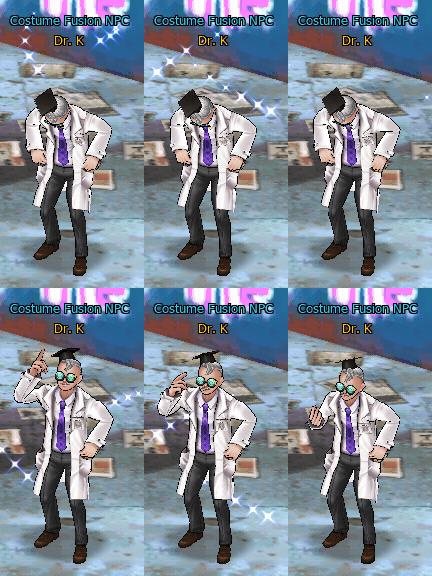
Step 1 – Meet Dr.K
{% endstep %}
{% step %}
Step 2 – Select Clone Costume
.png)
{% endstep %}
{% step %}
Step 3 – Select Items
.png)
Register the Main Item you want to use.
Main Item (the item you want to apply cloning to)
{% endstep %}
{% step %}
Step 4 – Execute Cloning
การ Cloning มี 3 ผลลัพธ์ ด้วยกัน
| Result |
|---|
| Success |
| No Change |
| Failure (Poison) |
Success
.png)
No Change
.png)
Failure (Poison)
.png)
If affected by the Poison Status, you must use:
{% step %}
Cloned Item Behavior
After a successful clone, you can check the item to confirm that it is in the Cloned state.
.png)
{% endstep %}
Cloned Item Management
Apply Clone
Use the Clone item on the desired outfit.
.png)
.png)
Dissamble Wearable Item
.png)
.png)
Use item:
To separate the Costume from the Clone Item.